Holiday and Calendar Planning
Enter public holidays, religious holidays, or club breaks into the system with a single click, and your entire training, attendance, and dues calendar will automatically adjust.
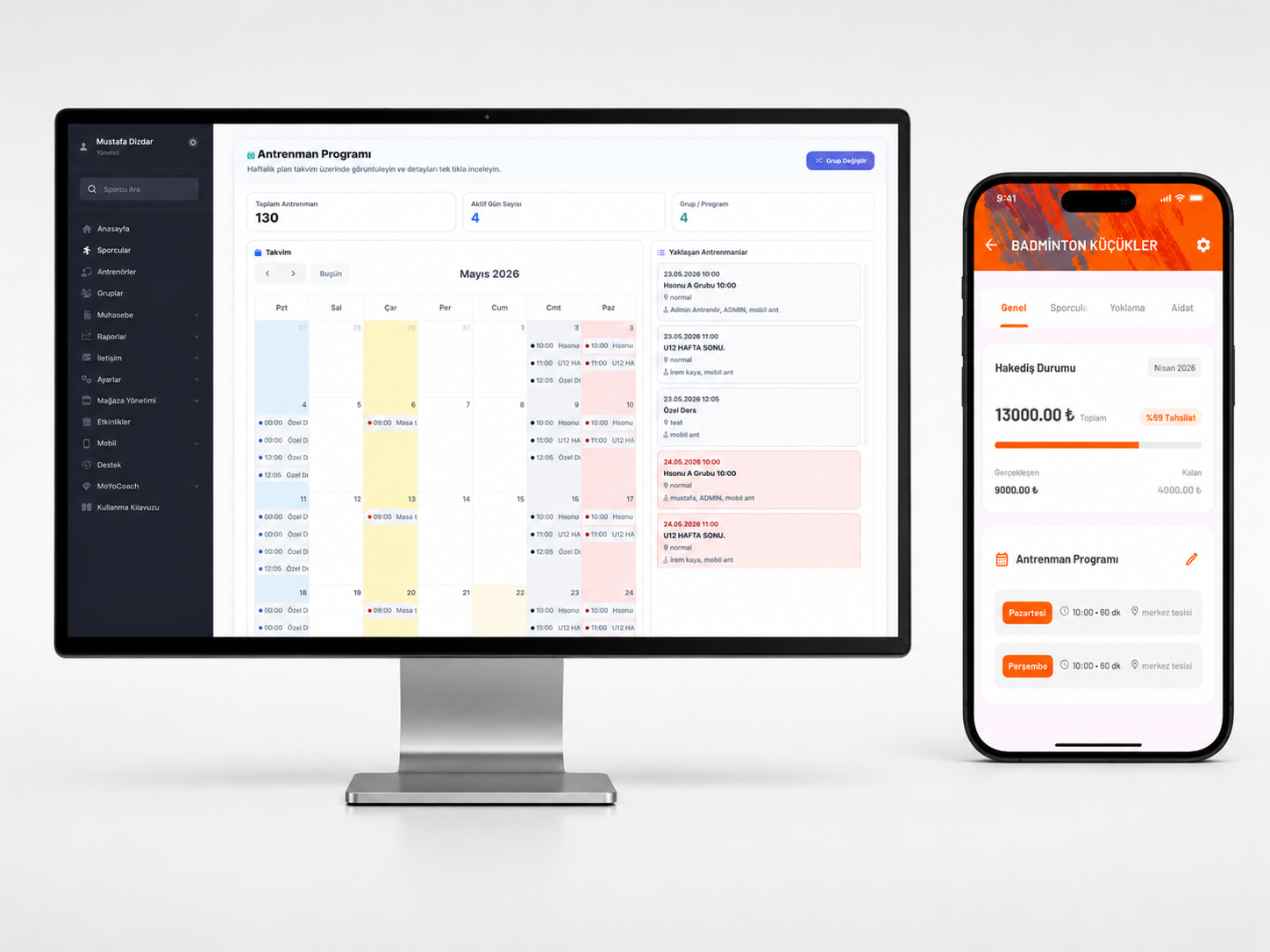
What does this feature do?
The Holiday Planning module allows the definition of public holidays or special breaks determined by the sports school into the system.
No training or attendance is scheduled on these defined dates. This prevents program delays and avoids the confusion of coaches and parents asking 'is there training today?'.
What problems does it solve?
- Prevents the error of mistakenly opening attendance on holidays.
- Solves the issue of parents not being informed about the holiday calendar.
- Allows coaches to see their work schedule more clearly.
How Does It Work?
- 1The start and end dates of the Holiday/Break are selected through the system.
- 2The branches or groups to be included are determined.
- 3The system removes the trainings on the specified days from the calendar.
- 4Parents view the holiday information via the application.
Frequently Asked Questions
Yes, you can define holidays for the entire club or specifically for certain branches.
Periodic trainings that fall on a holiday are skipped by the system.
After defining the holiday, you can optionally send an announcement through the communication module.
Yes, the annual planning history can be viewed in reports.
Key Features
- Date range definition
- Public and religious holiday integration
- Branch or sport-based holiday determination
- Training calendar synchronization
- Visibility on the parent mobile app
- Flexible schedule shifting
Who is it for?
- Club Coordinators
- Managers
- Coaches
Related Features
Would you like to use this feature in your club?
Make your sports school's operations more organized, measurable, and professional with MobyCoach.